Guideline
How to Use BloomChess
This quick walkthrough helps first-time players complete their first Analyze Game review without confusion. Start simple, then go deeper only when you want to.
Step 1: Add your game
Paste your PGN, upload a .pgn file, or press Try Sample for a fast first run.
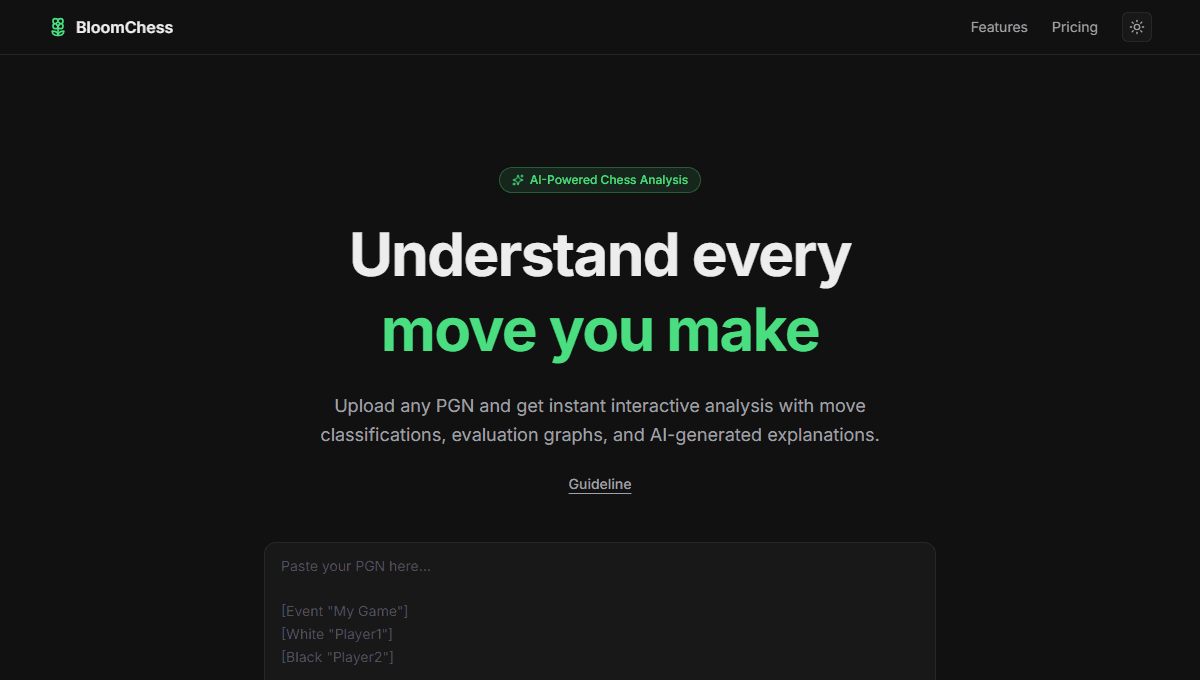 PGN inputUpload .pgnTry SampleAnalyze Game
Step 2: Analyze your game
Click Analyze Game and wait briefly while BloomChess processes moves and evaluations.
 BoardNavigation controlsEvaluation graphTabs
Step 3: Start with Summary
Begin in Summary to quickly understand accuracy, opening, and move quality overview.
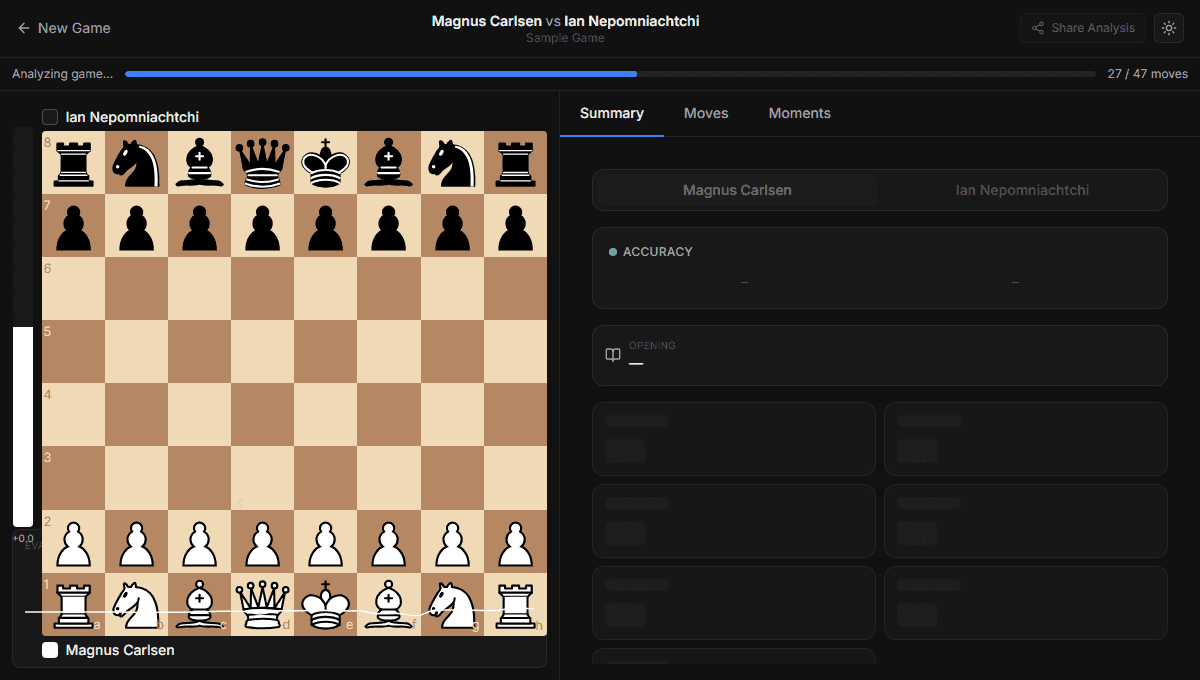 AccuracyOpeningMove classifications
Step 4: Check critical moments
Open Moments to jump directly to turning points without scanning every move first.
Step 5: Review move by move
Use the board, controls, and Moves tab to understand each decision in detail.
Optional next step: explore Opening Prep Tool when you want pattern insights from multiple games.